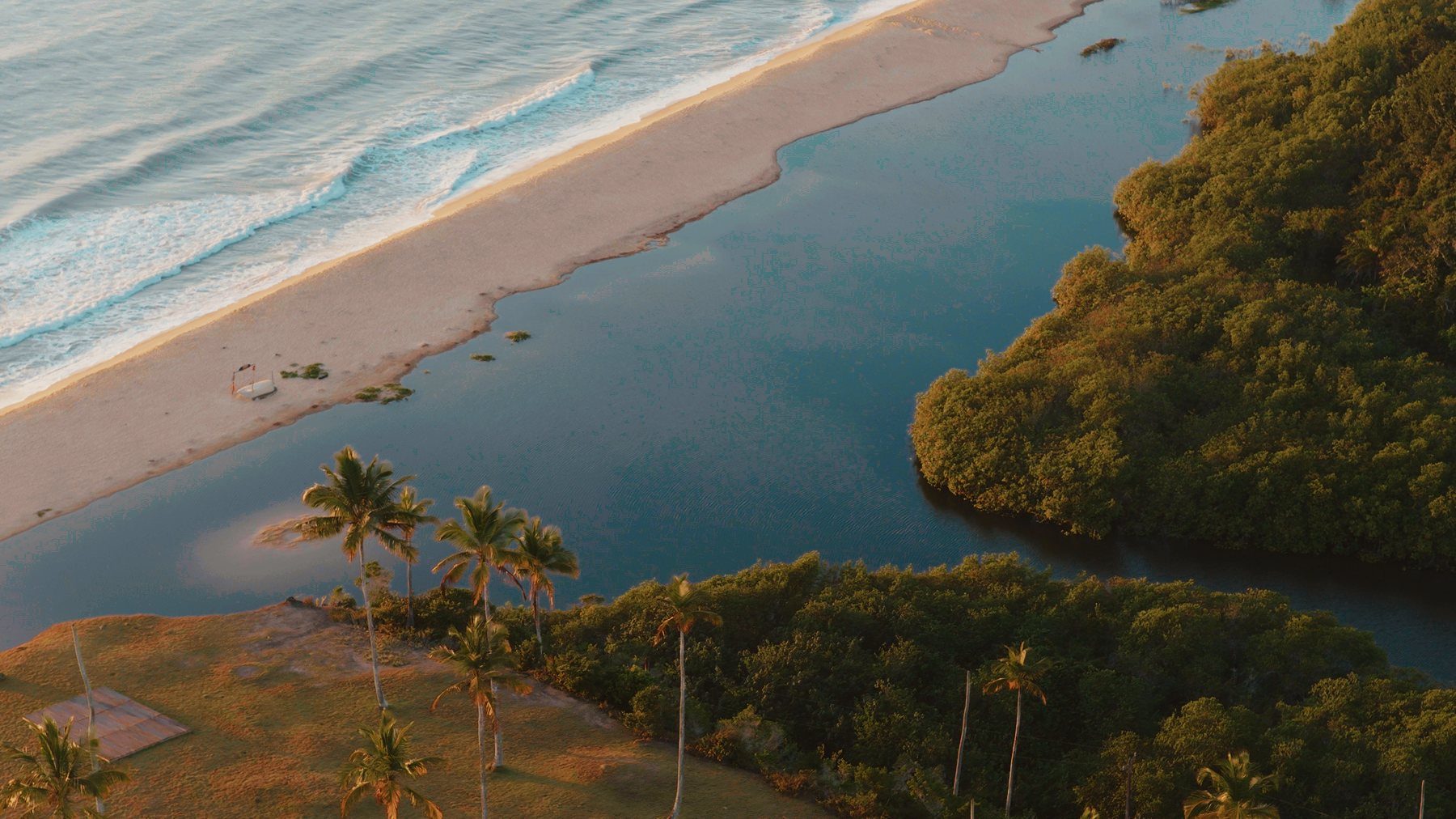
you land the drone, put the shots on the timeline next to your main camera, and something feels off. the drone shot is a bit greener, a bit harder, a bit "digital". same light, same place, same trip. different camera.
this is one of the most common problems we see, and we deal with it on almost every project. we fly a dji mavic 4 pro and shoot the ground on sony, so most of our edits mix d-log and s-log3 in the same scene.
it's fixable, and most of the fix happens before you touch the look.
why they don't match out of the box
d-log and s-log3 are both log, but they are not the same log. each one has its own curve (how light becomes code values) and its own gamut (how wide the colours go). put the same sony grade on a d-log clip and it will be close, but never quite right. the mids sit in a different place, the greens lean somewhere else, the highlights roll off differently.
then there is the camera itself. a drone has a much smaller sensor, it records 4:2:0 instead of the 4:2:2 most cinema bodies give you, and it usually applies more sharpening and noise reduction in camera. all of that shows up when you push the grade.
step 1: a cst in for each camera
start every clip with a colour space transform node that matches the camera it came from.
for the drone: input colour space dji d-gamut, input gamma dji d-log. for the sony: s-gamut3.cine and s-log3. both go out to the same place, davinci wide gamut / davinci intermediate.
the mavic 4 pro also shoots d-log m, which is a different curve. the file name won't tell you which one you used, so check your drone settings before you guess.
once every clip has the right cst in, they are all speaking the same language. now one grade can work on all of them. (our set up your camera section lists the settings for each camera.)
step 2: match before you make it pretty
grade your hero shot first, usually a main-camera shot that represents the scene. then bring the drone shots to it, not the other way around.
start with exposure on the waveform: find something that should be the same brightness in both shots, like sand or a wall, and line it up. then white balance on the parade, using something neutral. drones often come in a touch cooler or greener than the ground camera. drone shots also tend to look harder, so a small pull on contrast or a softer highlight roll-off usually gets them the rest of the way.
keep the reference wipe on (grab a still of the hero shot and wipe against it). judging two shots side by side is far more honest than judging them one after the other.
step 3: the usual giveaways
even when exposure and white balance match, a few things still give the drone away.
- greens. trees and fields from above are almost all green, and small sensors render green differently. a gentle hue vs saturation pull on the yellow-greens fixes most of it.
- sharpness. drone footage is often over-sharpened in camera. if your drone lets you turn sharpness and noise reduction down, do it before you fly. in post, a touch of blur or softening on the drone shots helps them sit next to a cinema lens.
- highlights. skies and water clip harder on a drone. protect them when you shoot, and don't try to bring back what isn't there.
- noise. small sensor, more noise in the shadows. expose the drone properly and let the grade take it darker, instead of lifting a dark clip later.
the grade goes on top, once
when every clip has the right transform in, and the drone shots are matched to the hero, the creative grade is the same for everyone. so there's no separate look for the drone. one look, and every camera feeds into it.
this is how coolgrades works too. the powergrade starts with a cst in, so it adapts to sony, dji, canon, arri, apple log and the rest. you can test it on your own drone footage on our try it page before you buy anything.
ricardo & camille